Generate reports
Turn a Vulnlog file into a shareable vulnerability impact report. Triage decisions live next to the code, but the people who need to see them (peers, auditors, customers, downstream teams) usually do not read YAML. The report presents the same source of truth as a single document, so the suppressed findings and the published report can never drift apart.
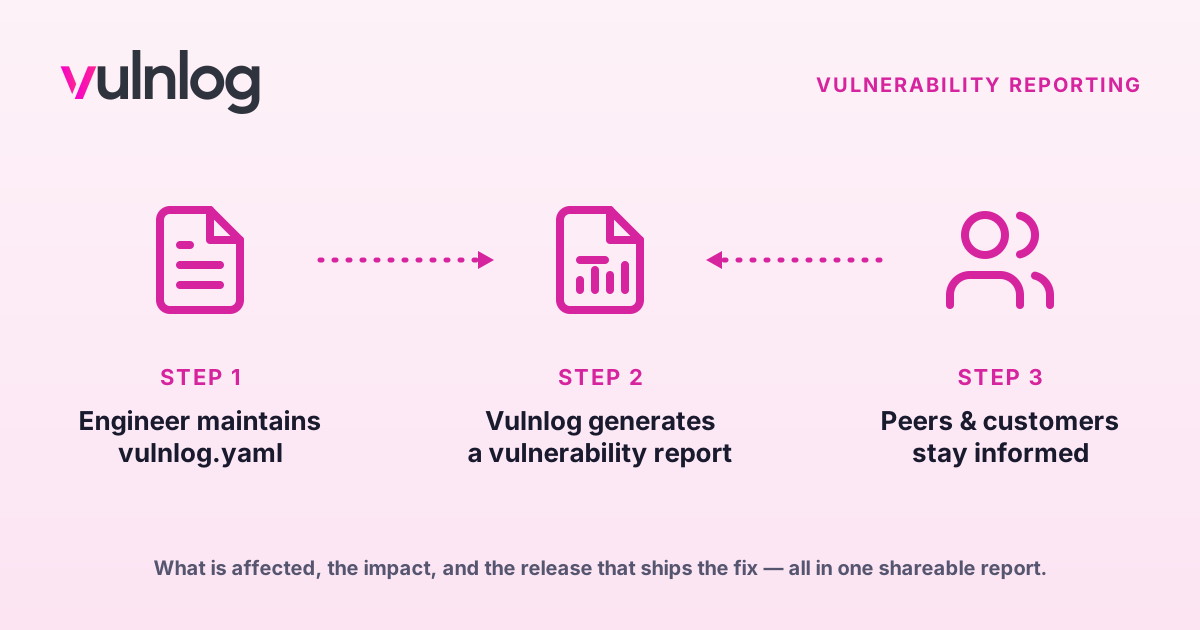
Generate the report
vulnlog report impact vulnlog.yaml
Wrote: vulnlog-impact-report.html
The result is a single, self-contained HTML document: fully offline, print-friendly, and adapting to the reader’s light or dark theme. It contains the project metadata, a summary (totals, breakdown by state and severity), and an entry table grouped by state and severity.
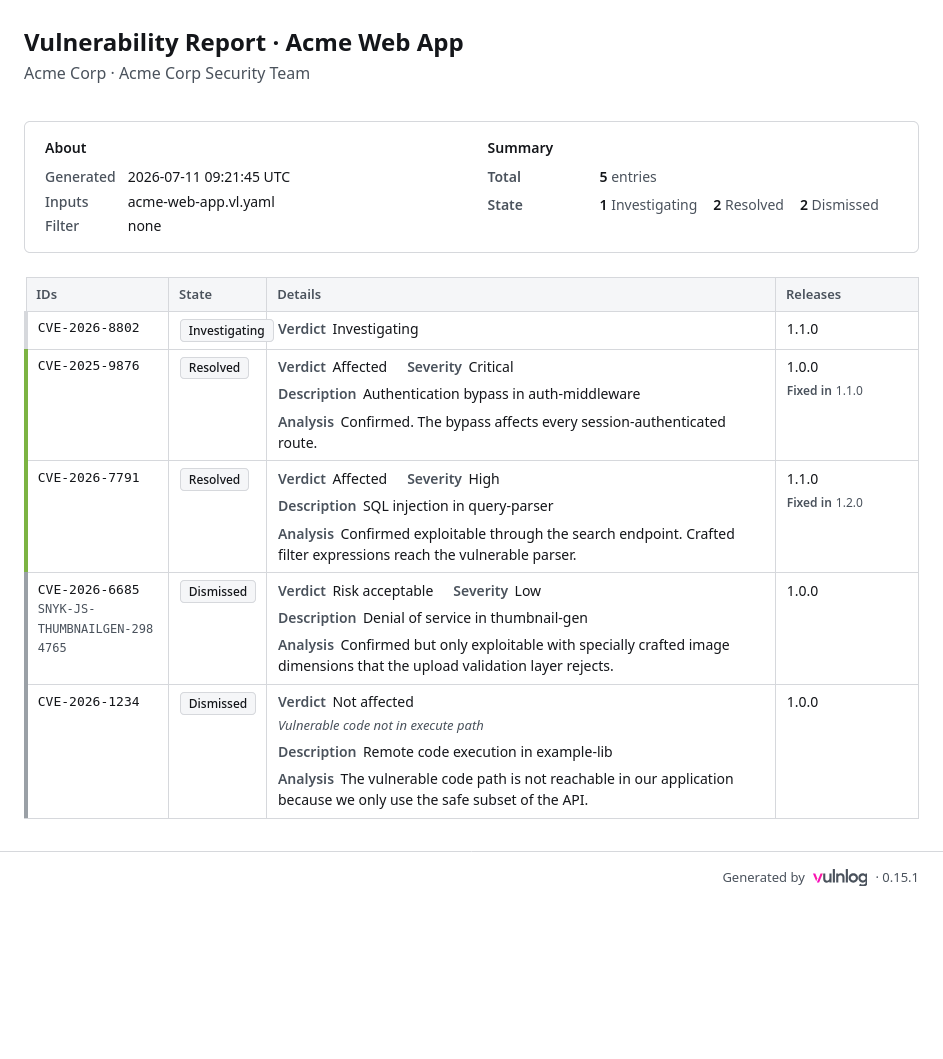
Choose the perspective
Unfiltered, the report shows the maintainer’s full backlog across all releases. For an audience that cares about one shipped release, scope it:
vulnlog report impact vulnlog.yaml --as-of 8.1.1 -o release-8.1.1-report.html
Wrote: release-8.1.1-report.html
In the release-scoped view, a fix only counts once its target release shipped at or before the chosen release; entries whose fix is still unshipped show as open. Find what affects a release builds on this view.
Variants
Merge multiple files
Projects with several Vulnlog files can render them as one report; the files must share the same project metadata:
vulnlog report impact frontend.vl.yaml backend.vl.yaml
Wrote: vulnlog-impact-report.html
Narrow the report
Three flags choose which entries the report contains. Repeat a flag to include several values, and combine flags to narrow further.
vulnlog report impact vulnlog.yaml --state open --state accepted -o carried-risk.html
Wrote: carried-risk.html
That report holds everything that still carries risk: the entries awaiting a fix and the ones whose risk the project decided to accept.
vulnlog report impact vulnlog.yaml --disposition "wont fix" -o accepted-risks.html
Wrote: accepted-risks.html
That one is the list to bring to a periodic risk review, since it holds exactly the vulnerabilities the project chose to live with.
vulnlog report impact vulnlog.yaml --verdict "not affected" -o not-affected.html
Wrote: not-affected.html
That one answers an auditor asking what was ruled out and why; each entry carries its justification and analysis.
The report header names the filter it was generated with, so a narrowed report cannot be mistaken for the full backlog.
From Docker
docker run --rm -v "$PWD:/work" ghcr.io/vulnlog/vulnlog:0.17.0 report impact vulnlog.yaml --output report.html
Wrote: /work/report.html
From the Gradle build
./gradlew vulnlogImpactReportThe report lands in build/vulnlog/vulnlog-impact-report.html by default; the Gradle plugin reference documents the task configuration.
As a CI artifact
Generating the report on every pipeline run gives stakeholders a current impact picture without a Vulnlog installation. Run Vulnlog in CI pipelines includes an upload step for GitHub Actions.
Verify
Open the generated HTML file in a browser and check the header: it names the input files and the applied filter, so a wrongly scoped report is visible at a glance.
Related
-
vulnlog report impact documents every flag and the report contents in detail.
-
Vulnerability states defines the state model the report presents.
-
Quickstart: read the impact report teaches report reading to non-developers.
-
Write release notes covers the changelog report, which lists what each release fixed.